PriceFree
$0/month
over Wi-Fi
The second screen is free
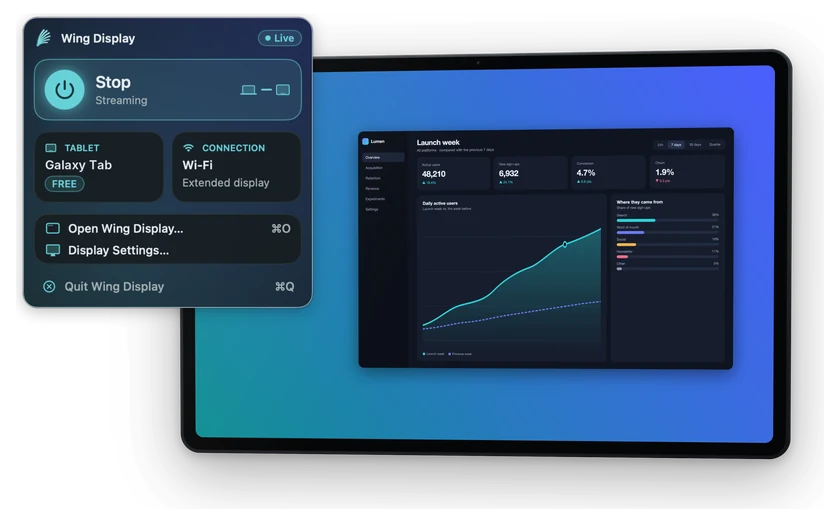
No dongle, no adapter, and free to use. Use the tablet you already own as a second display, over Wi-Fi or its hotspot.
 Wing Display
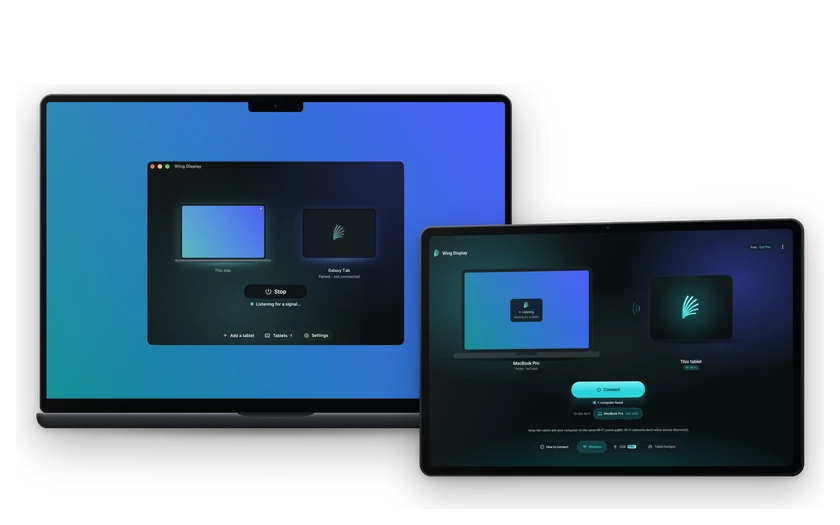
Wing Display turns the Android tablet you already own into a second screen for your Mac, so you can drag any window straight onto it.
Drag it to Applications, launch it, and click Start in the menu bar. It's signed with our Apple Developer ID and notarized by Apple, so macOS only asks once to confirm you want to open it.
It comes from Google Play, for Android 11 or later: install the Android tablet app. On the same network it finds your Mac by itself and lists it by name; approve it once on your Mac.
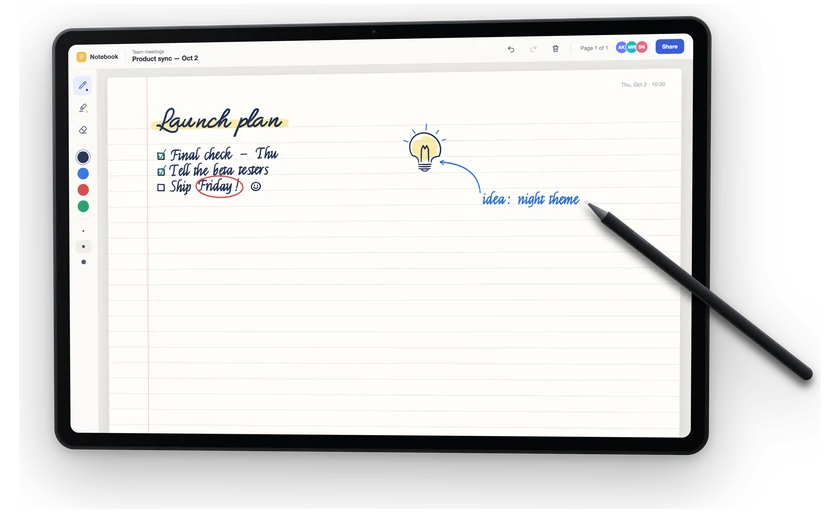
Your desktop appears — that part is free. Add Pro and it becomes a surface you can work on: tap, drag, scroll, pinch, and a pen that carries pressure and tilt.
A real extra display you arrange in System Settings like any other monitor. Nothing to buy for that part, and nothing that leaves your desk.
$0/month
over Wi-Fi
No dongle, no adapter, and free to use. Use the tablet you already own as a second display, over Wi-Fi or its hotspot.
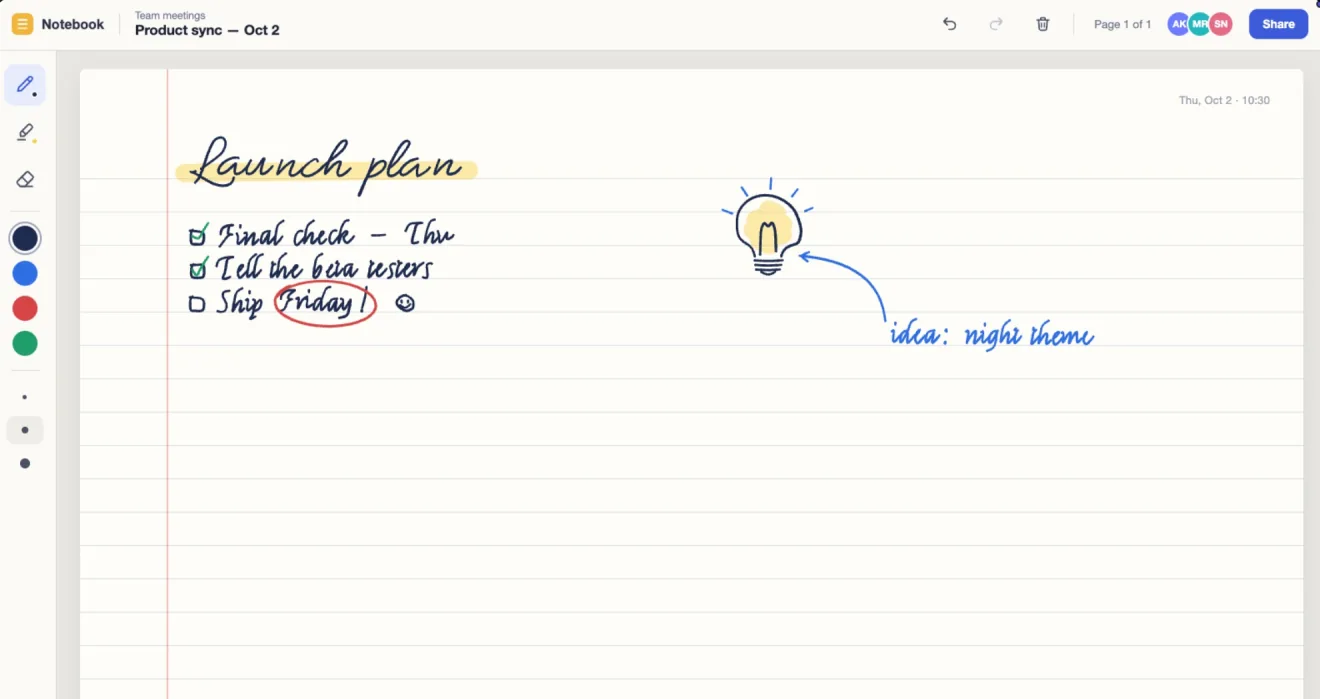
Tap, drag, scroll and pinch land where you point. The pen carries pressure, tilt and hover through to your Mac.
$2.99/month or $24.99/year, bought in the tablet app through Google Play.
Join the same Wi-Fi, or turn on your tablet's own hotspot for the steadiest picture — it also works where a café or hotel network keeps devices from seeing each other.
Pro adds a USB cable connection.
The picture travels directly between your two devices. It never passes through a server.
The Mac app is free and has no tier. These are the tablet app's plans — and the second screen on it is free to use.
$0not a
trial
The second screen, on the tablet you already own. Nothing to buy for that part.
Wing Display for Mac — free, no tier.
macOS 15 or later · Apple-notarized
You need both: the free Mac app, and the tablet app for Android 11 or later.
$24.99/year
$2.99/month
Save $10.89 a year (about 30%) — $2.08 a month.
Billed every month. $35.88 a year at this price.
Get the tablet app, then start Pro inside it — bought through Google Play, never on this site. Cancel any time in Google Play › Subscriptions.
Pro is bought in the tablet app through Google Play. 14 days free for first-time subscribers; cancel anytime in Google Play › Subscriptions — the second screen stays free.
No. Wing Display needs an Android tablet running Android 11 or later. iPad isn't supported.
Wing Display is built for Apple silicon and Intel Macs on macOS 15 or later. The USB Connection works on both.
For a wireless connection, yes — or turn on your tablet's hotspot and join your Mac to it, which is free and usually the steadiest wireless path. Pro adds a USB Connection that needs no network at all.
No Wing Display account: there's no sign-up and no cloud. You only need the Google account already on your tablet, to get the app from Google Play. The picture goes straight from your Mac to your tablet, encrypted. The privacy policy has the details.
Up to 60 frames per second. A USB Connection is the steadiest. Wirelessly it depends on your network, and the tablet's own hotspot is usually steadier than busy home, café or guest Wi-Fi.
Any time, in Google Play › Subscriptions on your tablet. The second screen stays free after you cancel.
Pro is bought inside the tablet app, through Google Play, and first-time subscribers get 14 days free — we never take a payment on this site. Pro renews automatically until you cancel in Google Play › Subscriptions, and cancelling keeps the free second screen. Prices are in US dollars; Google Play shows the price for your country. The Mac app stays free either way. There is no lifetime plan.
Your price stays your price. Whatever you subscribe at is yours for as long as the subscription stays active — we will not raise it under you. If it lapses and you come back later, you pay whatever it costs then.
A Windows host is planned. There's no date yet.
How a Galaxy Tab, another Android tablet or a tablet pen works with your Mac.
The second screen is free. Pro adds touch and the S Pen.
Free, no tier · macOS 15 or later
The tablet app · Android 11 or later