Can my Android tablet replace a drawing tablet for my Mac?
It can work as one, and you see your Mac's screen under the pen. Whether it fits your work depends on your apps; first-time subscribers can try it in the 14 free days before paying.
 Wing Display
S Pen · Android tablet pens · Mac
The S Pen can't touch a Mac's screen, but it can draw on your Mac. Put the tablet beside the laptop as a second display, and with Wing Display Pro every stroke on the glass lands in your Mac app, along with how hard you pressed and how far you leaned, where your pen reports them.
Your tablet becomes one more display for your Mac, and the pen works right on it. It reaches your Mac as a pen, not a mouse, with whatever your pen reports:
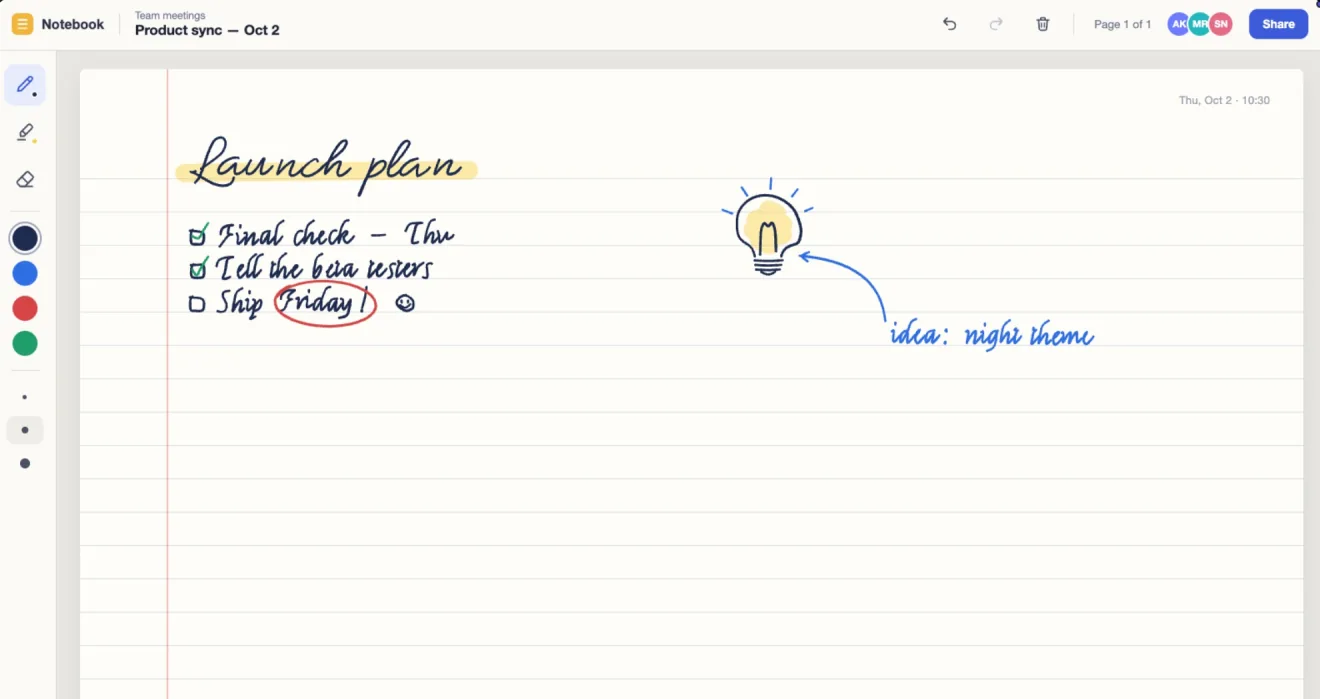
Researchers at Microsoft and the University of Alberta built a prototype pen system with an end-to-end delay as low as 1 millisecond, at a time when commercial pens took 65 to 120 milliseconds. In a companion study they found something surprising: people are more forgiving of lag while inking than in other pen tasks. Earlier work had people noticing delays of 2 to 7 milliseconds, but while writing the threshold was around 50.
They also found that people don't judge ink lag by how far the line trails the nib. They judge it against something they can see, such as their own hand or the pen itself. Your eye times the ink by the hand that's making it.
A well-known 2014 study by Pam Mueller and Daniel Oppenheimer found that students who typed lecture notes on laptops tended to copy the talk word for word, and did worse on conceptual questions than students who wrote by hand. A 2019 replication by Kayla Morehead, John Dunlosky and Katherine Rawson, using the same materials, found only small differences that weren't consistently significant.
So the takeaway is narrower than the headlines: the studies point to putting ideas in your own words instead of transcribing, whatever you write with. If a pen helps you do that, the tablet beside your Mac keeps those notes next to your work. Study with your tablet as a second screen for your Mac has more on notes for class.
Wing Display reads the pen through Android's standard stylus input, so any active pen Android reports as a stylus takes the same path, including the ones Samsung, Xiaomi, Lenovo and OnePlus make for their tablets. Pressure, tilt and hover come through when your pen reports them; a rubber-tipped stylus works like a finger.
On the Mac, apps that read pressure from a drawing tablet can use it, and apps that only know a mouse get clicks and drags. The 14 free days of Pro for first-time subscribers are the way to try your own apps. On a recent Galaxy Tab, see using a Galaxy Tab S9 to S12 with your Mac.
Download Wing Display for Mac, which is free, allow Screen Recording and click Start in the menu bar. Then install the Android tablet app. Which tablets work lists what it needs.
Open the app on the same Wi-Fi, tap Connect, and click Allow on your Mac.
Subscribe in the tablet app, then allow Accessibility for Wing Display when your Mac asks. Set up your tablet as a second Mac screen has every permission.
The pen is part of Pro, with touch and the USB cable connection: $2.99 a month or $24.99 a year in US dollars, bought in the tablet app through Google Play, with 14 days free for first-time subscribers. The wireless second screen is in the free plan. Compare the plans.
It can work as one, and you see your Mac's screen under the pen. Whether it fits your work depends on your apps; first-time subscribers can try it in the 14 free days before paying.
Download Wing Display for Mac, then install the Android tablet app and, as a first-time subscriber, try Pro free for 14 days. Using your Android tablet as a second monitor covers the screen itself.
Sources: Mueller, P. A. and Oppenheimer, D. M. (2014), "The Pen Is Mightier Than the Keyboard: Advantages of Longhand Over Laptop Note Taking", Psychological Science 25(6), 1159–1168; Morehead, K., Dunlosky, J. and Rawson, K. A. (2019), "How Much Mightier Is the Pen than the Keyboard for Note-Taking? A Replication and Extension of Mueller and Oppenheimer (2014)", Educational Psychology Review 31, 753–780; Ng, A., Annett, M., Dietz, P., Gupta, A. and Bischof, W. F. (2014), "In the Blink of an Eye: Investigating Latency Perception during Stylus Interaction", CHI 2014, 1103–1112; Annett, M., Ng, A., Dietz, P., Bischof, W. F. and Gupta, A. (2014), "How Low Should We Go? Understanding the Perception of Latency While Inking", Graphics Interface 2014, 167–174.
Samsung, Galaxy Tab and S Pen are trademarks of Samsung Electronics Co., Ltd. Xiaomi is a trademark of Xiaomi Inc. Lenovo is a trademark of Lenovo. OnePlus is a trademark of OnePlus Technology (Shenzhen) Co., Ltd. Android and Google Play are trademarks of Google LLC. Mac and macOS are trademarks of Apple Inc. Wing Display is not affiliated with or endorsed by any of them.