Is hotel Wi-Fi unsafe, then?
Not for everyday browsing: the US Federal Trade Commission says that thanks to encryption, public Wi-Fi is usually safe. Isolation is about guests' devices, not your web traffic.
 Wing Display
Hotel · Café · Guest Wi-Fi
You unpack, prop the tablet up next to your MacBook and open the app. Nothing. Both devices are online, both can stream a film, yet they can't find each other. The hotel did that on purpose.
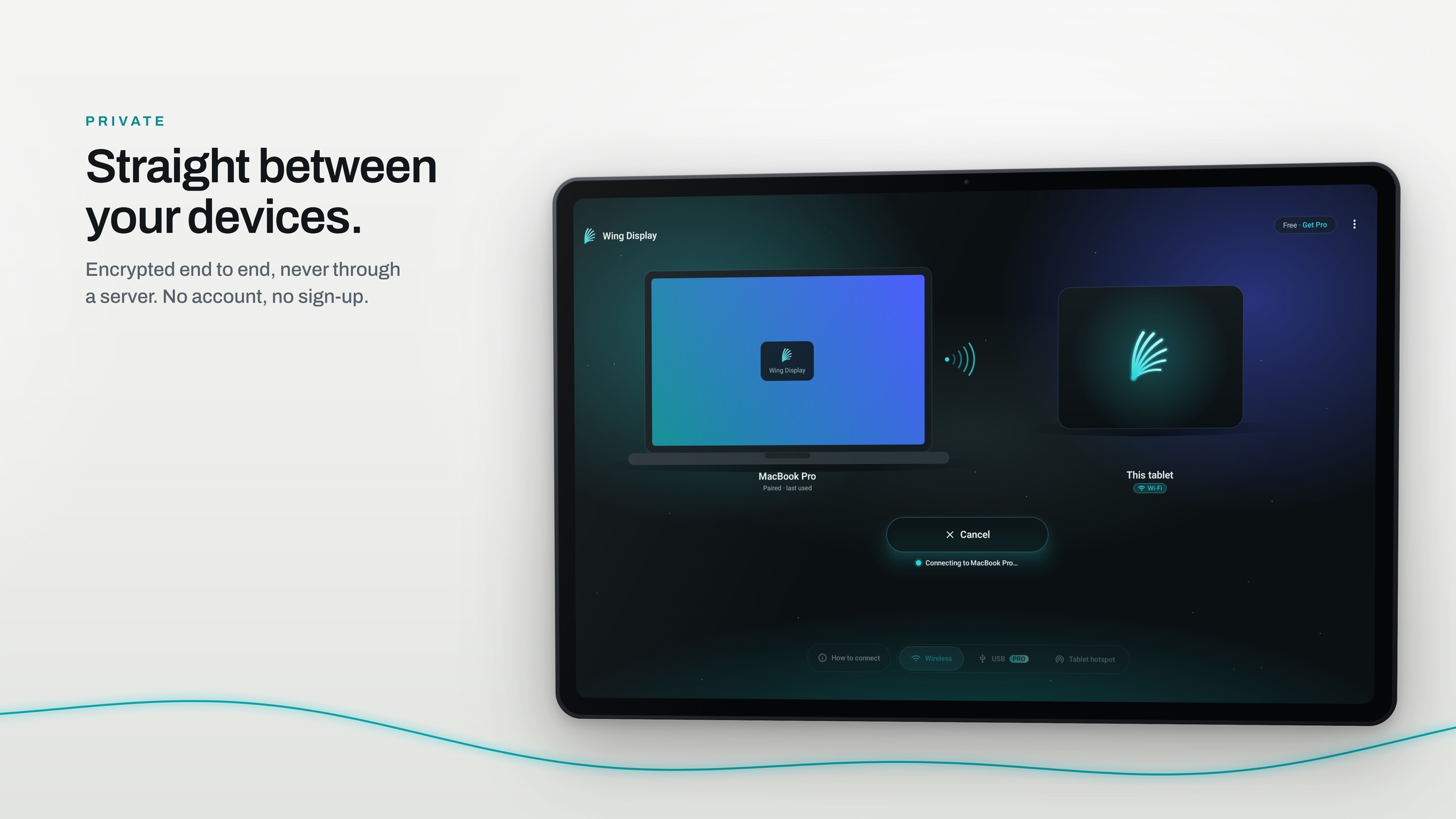
Many hotel, café and conference networks switch on a feature called client isolation. Cisco's Meraki documentation describes it as a security feature that prevents wireless clients from communicating with one another, and recommends it for guest networks. Every device gets the internet, and no device can reach the one in the next room.
It can't tell your tablet from a stranger's laptop, so your own two devices are kept apart too. Google's own help pages warn that on a hotel or public network with client isolation you can't set up its streaming devices either.
Apps that "just find" a printer, a speaker or your Mac ask everyone on the network "who's there?" using multicast DNS, a protocol designed to stay on that local network. Apple's own security note on Bonjour, its version of it, says the design "assumes cooperation of participants", which is exactly what a public network can't promise.
So the hotel isn't being difficult; it's being sensible. You just need a network where you are the only guest.
Your tablet can make a small Wi-Fi network of its own. Join your Mac to it and the two are alone on it, so they find each other at once. Wing Display's second screen works there exactly as at home, and it's free.
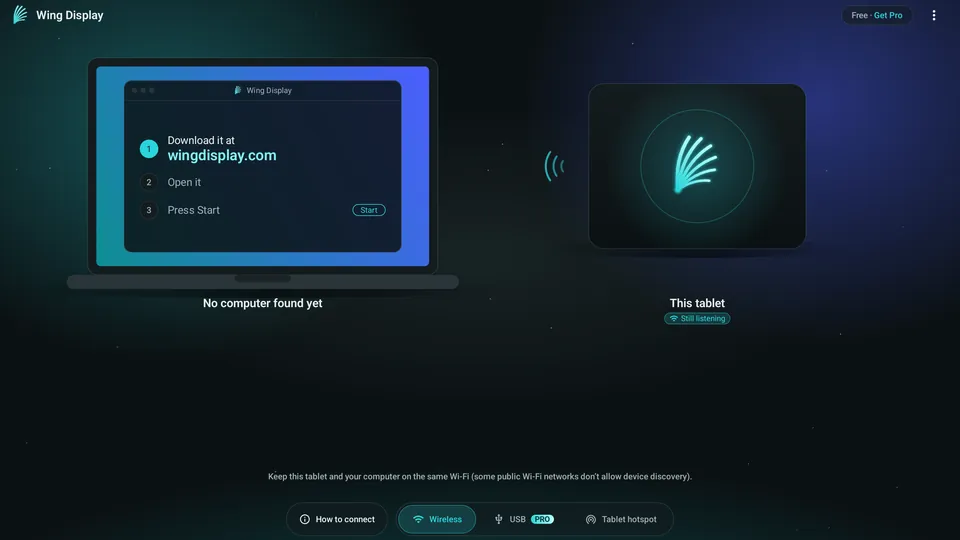
In the tablet app, pick Tablet hotspot, follow its Hotspot settings link and switch the hotspot on. Not every tablet has one; look for Mobile Hotspot in Settings.
Choose the tablet's network in your Mac's Wi-Fi menu, like any other, and make sure Wing Display is started on the Mac.
Your Mac appears in the tablet app. Tap Connect, and click Allow on your Mac the first time.
No hotspot, or want your Mac to stay on the hotel's Wi-Fi? Pro adds a USB cable connection that needs no network at all.
The Mac app and the second screen over Wi-Fi or your tablet's hotspot are free to use. Pro adds the USB connection, touch and the pen: $2.99 a month or $24.99 a year in US dollars, through Google Play, with 14 days free for first-time subscribers. Compare the plans.
Not for everyday browsing: the US Federal Trade Commission says that thanks to encryption, public Wi-Fi is usually safe. Isolation is about guests' devices, not your web traffic.
Check that your Mac really joined the tablet's network and that Wing Display is started. Troubleshooting has more.
Download Wing Display for Mac, then install the Android tablet app. Set it up at home first, so the first "Allow" is done before you travel. A portable second screen for your MacBook covers the rest of the trip.
Sources are linked in the text. Samsung, Galaxy and Galaxy Tab are trademarks of Samsung Electronics Co., Ltd. Android and Google Play are trademarks of Google LLC. Mac, MacBook Pro, macOS and Bonjour are trademarks of Apple Inc. Meraki is a trademark of Cisco Systems, Inc. Wing Display is not affiliated with or endorsed by any of them.