Which Macs and tablets work?
Any Mac on macOS 15 or later, Apple silicon or Intel, including MacBook Air and MacBook Pro. Android tablets on Android 11 or later with Google Play, and foldables used unfolded; not phones.
 Wing Display
MacBook · Android tablet · On the go
Ergonomists have been asking for one thing since the late 1970s: keep the screen and the keyboard apart. Then came the laptop. If you carry an Android tablet, you already have the missing piece.
Cornell University's ergonomics guide puts it bluntly: with a laptop, "if the keyboard is in an optimal position for the user, the screen isn't". Keep your hands comfortable and you look down.
How far down? In a 2018 motion-capture study of 30 people, using a laptop bent the neck about 11 degrees more than sitting at a desktop computer. It's the posture you know from a hotel desk at the end of a long day.
For laptop users, the UK's Health and Safety Executive suggests a separate keyboard and mouse so the screen can be raised, and lists a "display screen separate from the laptop". Few people pack a monitor. Most already pack a tablet.
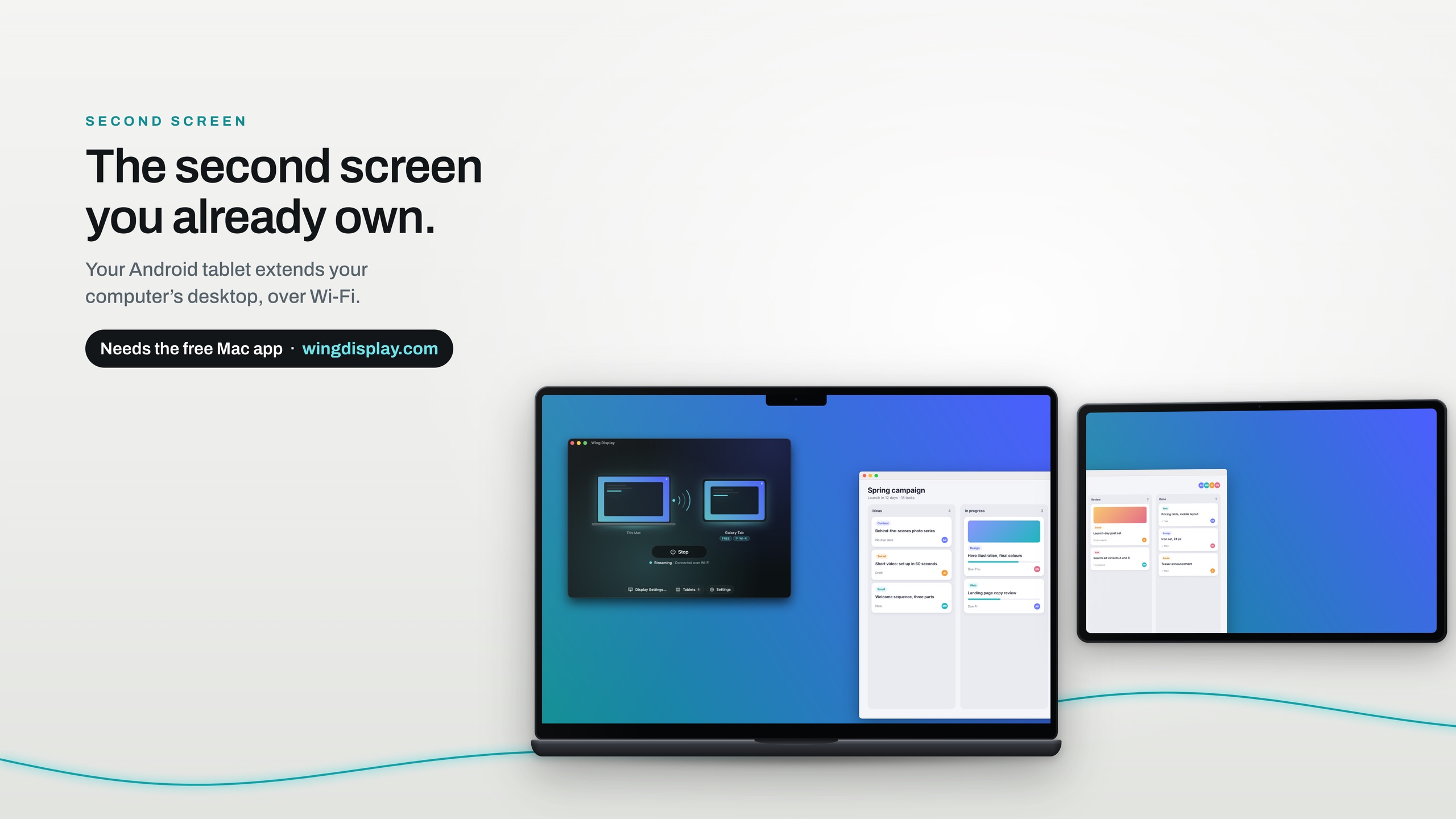
Wing Display turns it into a real second display for your MacBook. Stand it up in landscape, put the thing you read most on it, a document, a call, your sources, and keep typing on the MacBook. Windows drag across like to any monitor, and it's free over Wi-Fi.
Download Wing Display for Mac and click Start in the menu bar. Then install the Android tablet app.
On the same Wi-Fi, your Mac appears in the tablet app. Tap Connect, and click Allow on your Mac the first time.
On hotel or café Wi-Fi that keeps devices apart, use your tablet's hotspot instead: why hotel Wi-Fi hides your tablet, and the fix.
The Mac app and the second screen over Wi-Fi or your tablet's hotspot are free to use. Pro adds touch, the pen and a USB cable connection: $2.99 a month or $24.99 a year in US dollars, through Google Play, with 14 days free for first-time subscribers. Compare the plans.
Any Mac on macOS 15 or later, Apple silicon or Intel, including MacBook Air and MacBook Pro. Android tablets on Android 11 or later with Google Play, and foldables used unfolded; not phones.
With Pro, yes. Control your Mac by touch shows how.
Download Wing Display for Mac, then install the Android tablet app. The second screen is free over Wi-Fi.
Sources are linked in the text. Samsung, Galaxy and Galaxy Tab are trademarks of Samsung Electronics Co., Ltd. Android and Google Play are trademarks of Google LLC. Mac, MacBook, MacBook Air, MacBook Pro and macOS are trademarks of Apple Inc. Wing Display is not affiliated with or endorsed by any of them.