Which tablets work?
Android tablets on Android 11 or later with Google Play, and foldables used unfolded, with a Mac on macOS 15 or later. Not phones.
 Wing Display
Studying · Android tablet · Mac
Slides, notes, slides, notes. If your evenings sound like a laptop's window switcher, you're not imagining the cost. Here's what research actually says about a second screen, and how to get one from the tablet you already own.
In a Microsoft Research study from 2003, 15 office workers did multi-window tasks on a 15-inch screen and on a very wide one. They finished about 9% faster on the wide screen, and 14 of the 15 preferred it. At Georgia Tech, students and university staff finished an interrupted planning task faster with two monitors than with one.
Both studies are small, and neither ran a real course. The useful part is why it helps: switching between tasks has a cost of its own. Decades of lab work show each switch makes you a little slower and more error-prone, and preparing for it reduces the cost without removing it. Fewer swaps between slides and notes means fewer of those moments.
A screen can also cost you. In a 2013 study with undergraduates, students who multitasked on a laptop during a lecture scored 11 percentage points lower on a test. Students who merely sat where they could see a classmate multitasking scored 17 points lower. So give the tablet one job: the slides, the paper or the past exam, and leave messages off it.
You may have heard that handwritten notes beat typed ones. That came from a 2014 study, but two later replications, one in 2019 and one in 2021, found no consistent advantage. What you do with your notes seems to matter more than the tool.
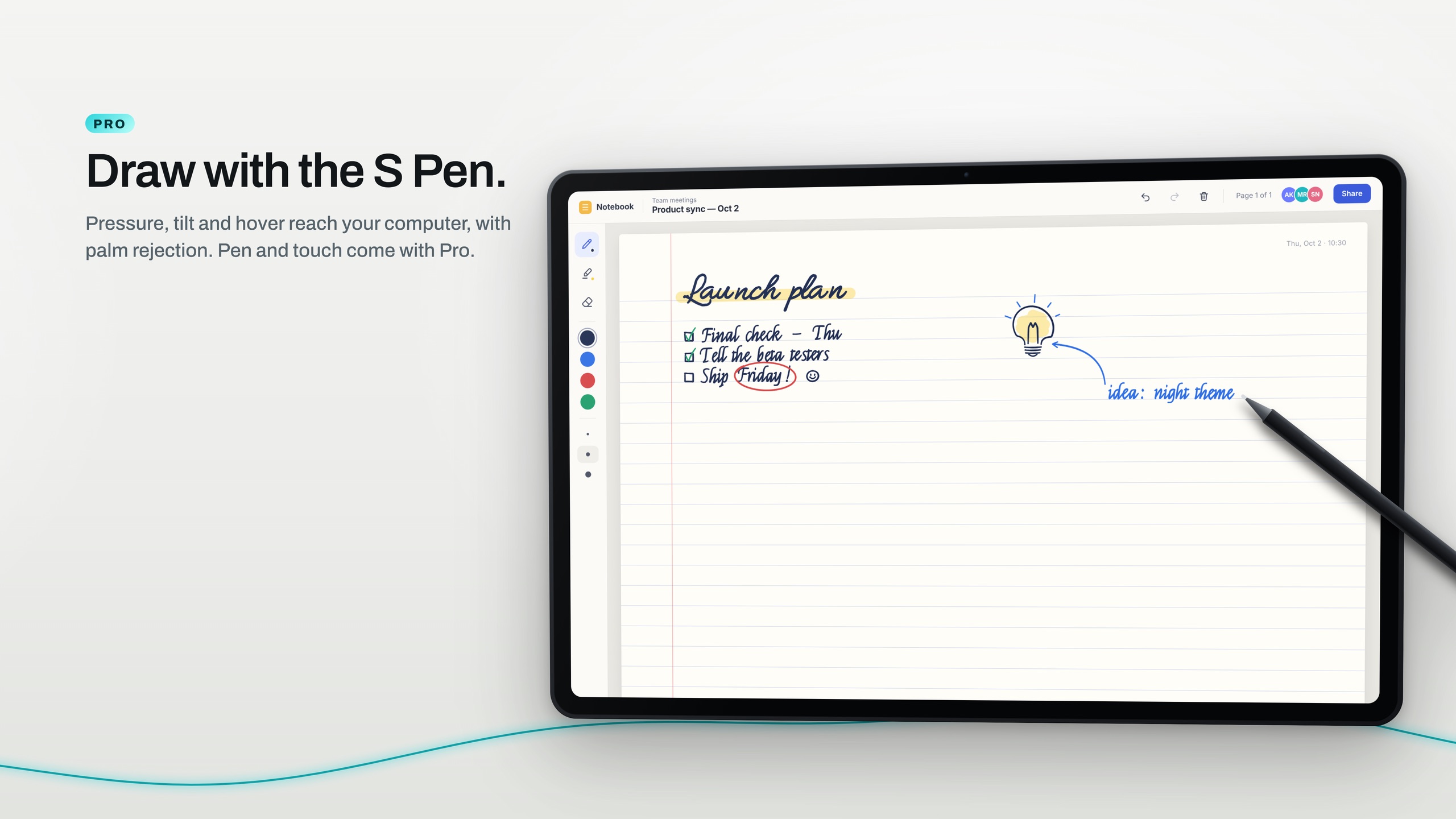
If you think better with a pen, for equations, diagrams or arrows between ideas, Pro lets you write on your Mac through the tablet with the S Pen, with pressure and palm rejection.
Download Wing Display for Mac and click Start in the menu bar. Then install the Android tablet app.
On the same Wi-Fi, your Mac appears in the tablet app. Tap Connect, and click Allow on your Mac the first time. On campus Wi-Fi that keeps devices apart, use the tablet's hotspot instead.
Put the slides or the paper on the tablet and your notes on the Mac. Arrange the two in System Settings → Displays.
The Mac app and the second screen over Wi-Fi or your tablet's hotspot are free to use. Pro adds the pen, touch and a USB connection: $2.99 a month or $24.99 a year in US dollars, through Google Play, with 14 days free for first-time subscribers. Compare the plans.
Android tablets on Android 11 or later with Google Play, and foldables used unfolded, with a Mac on macOS 15 or later. Not phones.
No. The second screen is free. Pro is for writing with the pen, touch and the USB cable.
Download Wing Display for Mac, then install the Android tablet app. The second screen is free, and first-time subscribers can try the pen free for 14 days.
Sources are linked in the text. Samsung, Galaxy, Galaxy Tab and S Pen are trademarks of Samsung Electronics Co., Ltd. Android and Google Play are trademarks of Google LLC. Mac, MacBook and macOS are trademarks of Apple Inc. Wing Display is not affiliated with or endorsed by any of them.